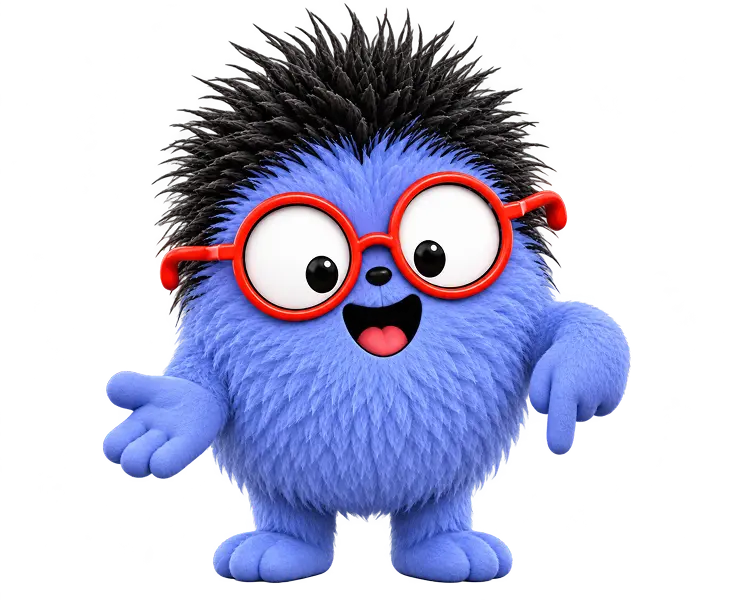
A mascot is easy to generate and hard to keep consistent.
Ask an AI tool for a mascot and you get a hundred pictures in a minute. Ask it for the same character a hundred times and you get a hundred different characters.
This post is about the workflow I built to solve that, using Figma, Claude and GPT together. It covers how I explored fifteen concepts, how one direction grew into Frizzy & Crew, and the rules and prompts that keep the family consistent.
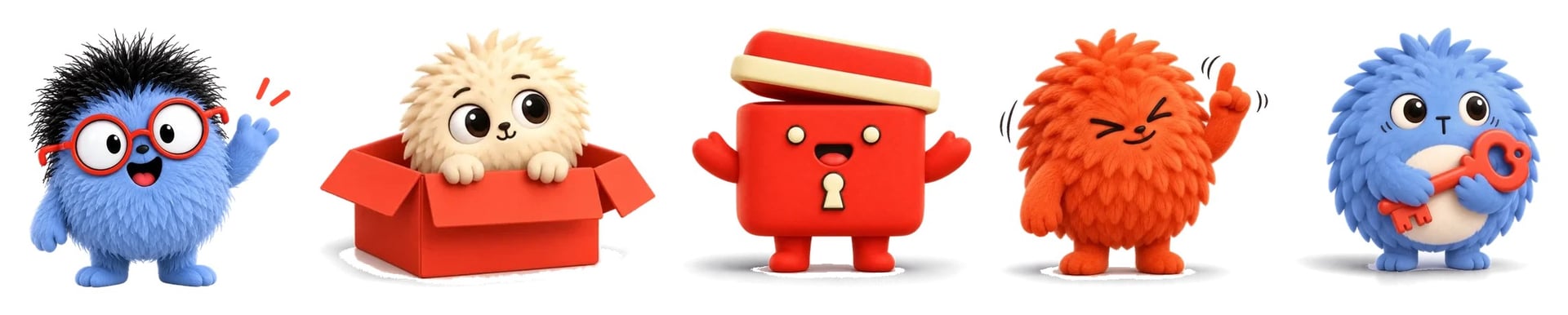
Frizzy & Crew: Frizzy, Peep, Blok, Nope and Hoard.
Three Tools, Three Jobs
The biggest thing I learned early was to stop asking one tool to do everything. When each tool had one role, the work got faster and a lot more consistent.
| Tool | Role | I used it for |
|---|---|---|
| Claude | Thinking and structure | Briefs, stories, rules |
| GPT | Image generation | Poses and expressions |
| Figma | Home base | Comparing and building |
One role each. Nothing overlapped.
- Brief: Write what the mascot must do.
- Explore: Fifteen concepts side by side.
- Choose: Vote against five questions.
- Refine: Sketch, silhouette, hair, colour.
- Scale: Rules, prompts, real scenes.
The workflow in five steps.
Starting with a Brief, Not a Prompt
Before I generated a single image, I used Claude to turn my research into a clear brief. A mascot for a privacy platform has a tricky job. It has to be warm enough to make people comfortable, and serious enough to be trusted with sensitive answers.
The idea that unlocked everything was simple: a companion, not a cartoon. Think of the friend who sits next to you while you answer something hard, and who says “it stays between us” and means it.
From that I wrote five questions that every concept would be judged against.
- Does it connect with our audience?
- Does it feel friendly, trustworthy, protective and intelligent?
- Does it communicate privacy, confidentiality and security?
- Is it unique, simple and easy to remember?
- Can it show feelings clearly in five expressions?
Having the questions written down before I saw any art meant I was judging ideas, not just which picture looked the prettiest.
Fifteen Concepts, Side by Side
Then I went wide on purpose. With Claude I wrote fifteen concept briefs. Each had a story, a reason it fits BlockSurvey, a personality, a one line promise and five expressions. GPT then drew each one from its written brief, so every picture came from an idea and never the other way around.
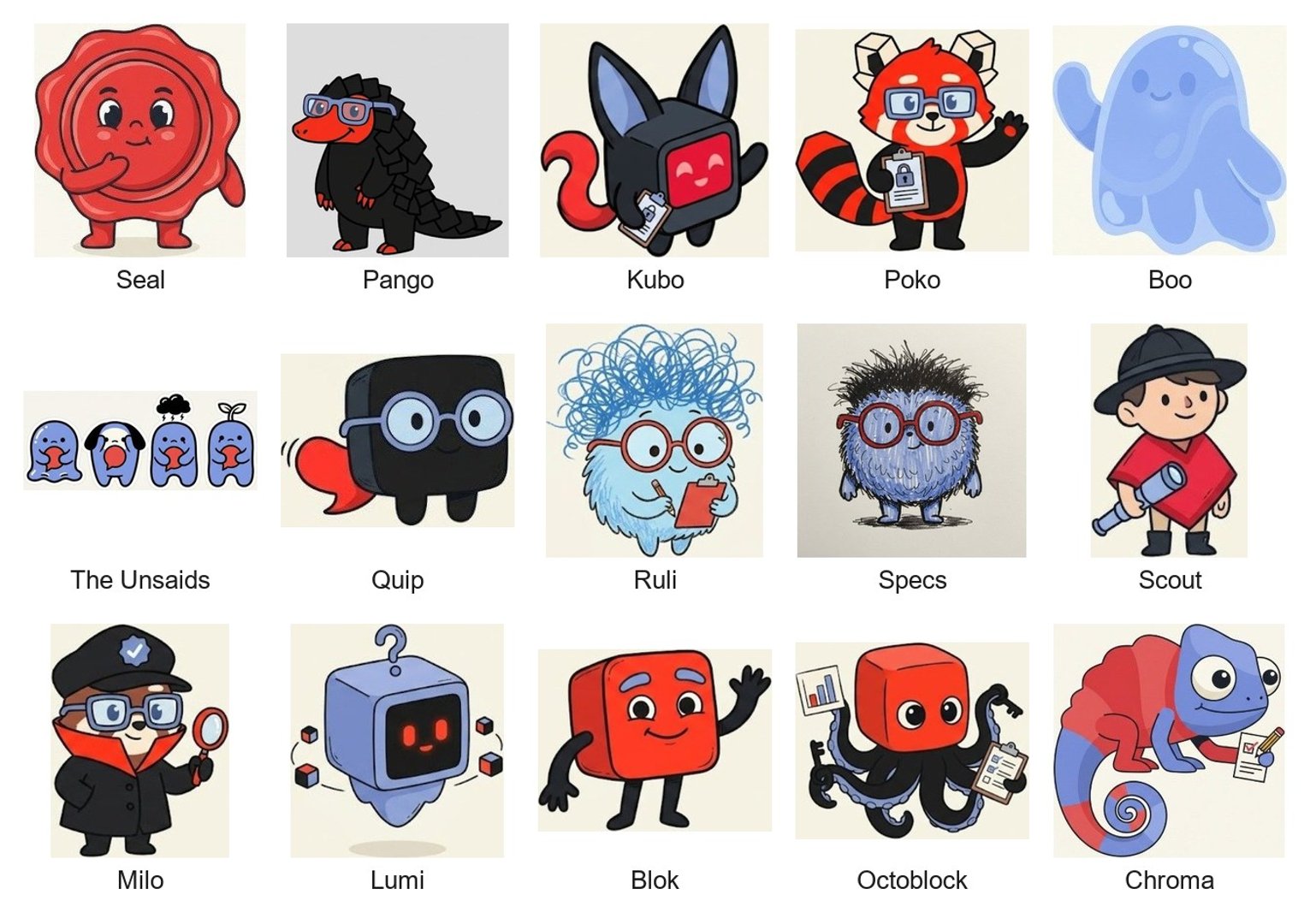
All fifteen concepts: animals, objects, ghosts, doodles and a detective.
They fell into four loose groups: guardians like Seal, Pango, Kubo and Poko, quiet voices like Boo, Quip and Ruli, explorers like Specs, Scout and Milo, and builders like Blok, Octoblock and Chroma.
I will not walk through all fifteen here. What mattered was that every concept used the same structure, so I could compare them fairly. Seal was a wax seal that stays unbroken. Boo was a friendly ghost, present but unseen. Blok was our own name, brought to life.
I also kept a review list. Some expression sheets came back with four or six poses instead of five, and a few concepts looked too close to each other. Catching that early saved a lot of time later.
Choosing What to Keep
I shared the deck and asked people to vote for the three or four concepts that felt most like BlockSurvey. Not the cutest ones, but the ones that passed the five questions.
Looking back, you can see where Frizzy came from. The hand drawn Specs and Ruli concepts already had the wiry hair, the round red glasses and the soft fluffy body. Blok kept its name and its block shape and became a core member of the crew.
From Sketch to Frizzy
Once the direction was clear, I stepped away from AI and went back to paper. The first Frizzy was a pen and marker sketch, and it set the personality that every later version had to keep.
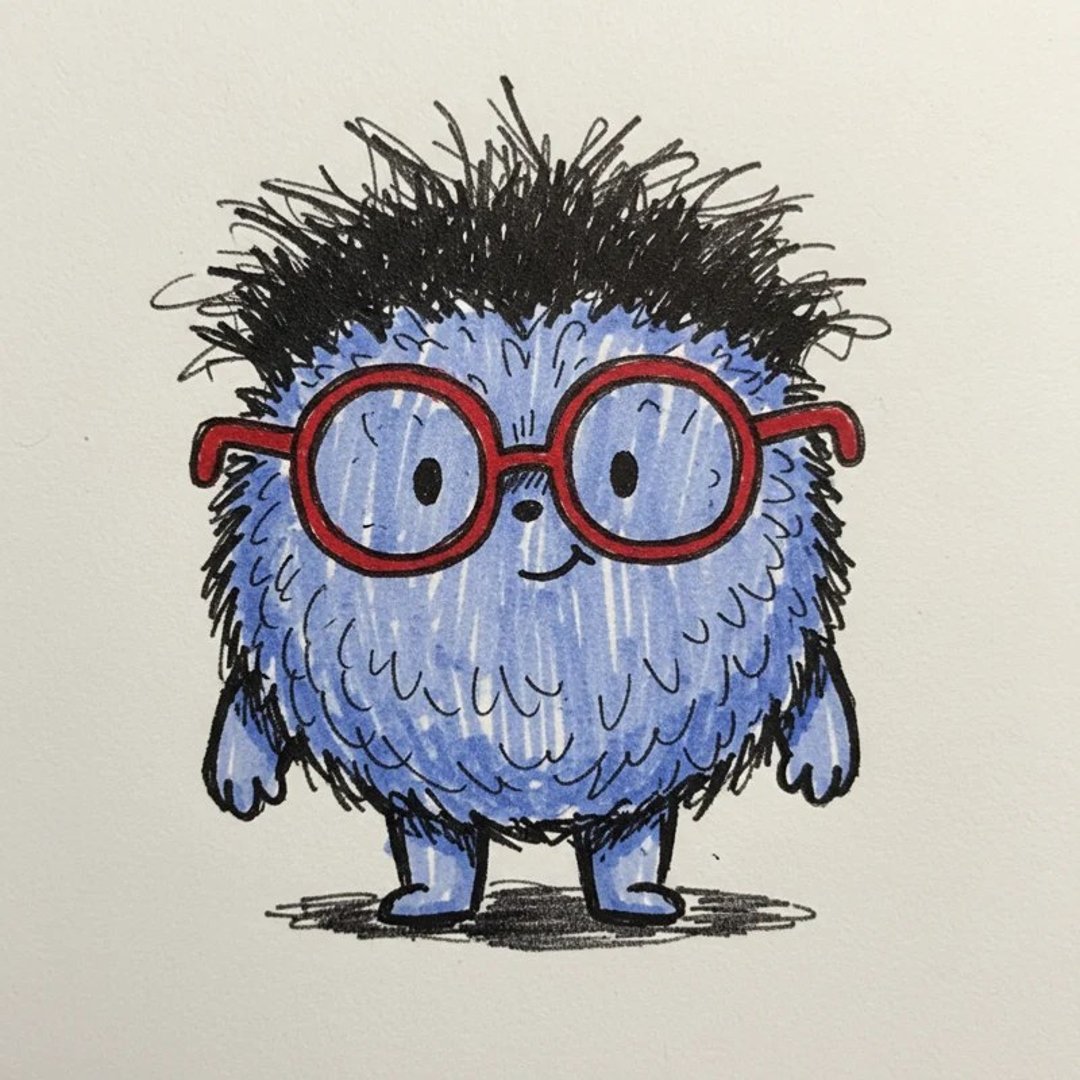
The first Frizzy sketch, drawn by hand.
Then I used GPT to explore it, but in a controlled way. I started with a solid black silhouette, with no colour and no face, to check the shape still worked at the size of a small icon. After that I added one thing at a time: hair, glasses, fur, colour.
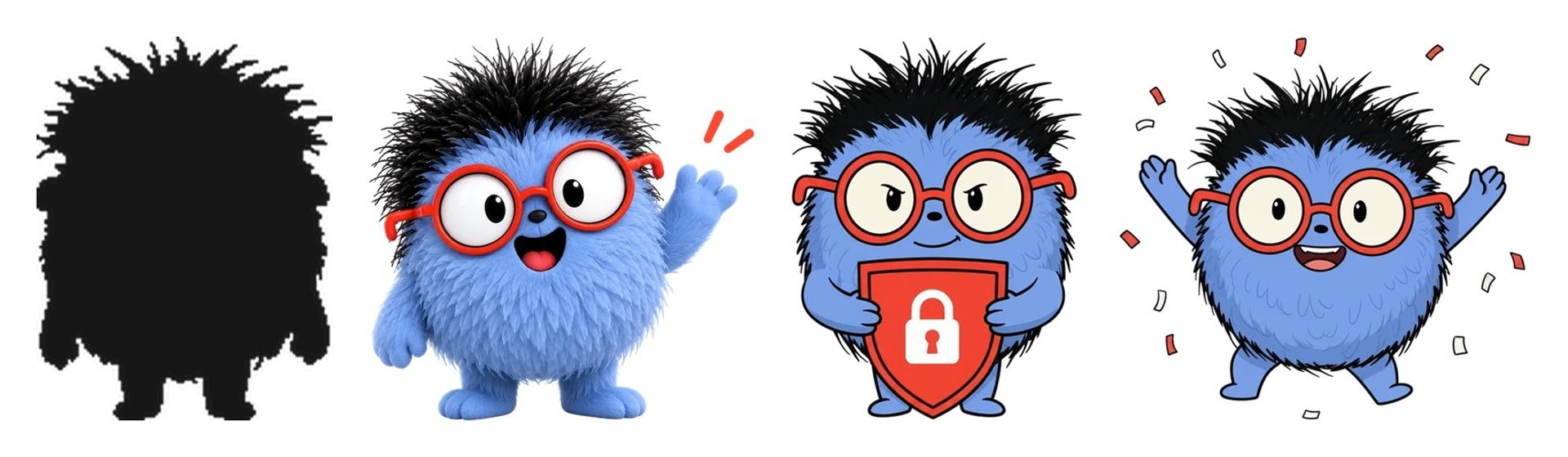
From silhouette to early hair pass to the finished character, in different poses.
The hair took the longest. It went through several rounds to become fine, irregular strands with air between them, so it feels light and a little unpredictable.
Locking It in a Character Bible
This is the step that made AI usable for a real brand. A model will happily give you a slightly different character every time, so I asked Claude to help me write a character bible that spells out exactly what must never change.
| Rule | What it covers |
|---|---|
| Locked | Frizzy’s fine wiry hair, round red glasses, each character’s shape, prop and colour, and the proportions between them. |
| Free | Pose, expression, camera angle, scene and props that support the story. |
| Direction | Professional, friendly and minimal. Flat 2D with a clean outline for the 2D set. |
| Palette | Frizzy blue, ink black, red and cream. Nothing outside the brand colours. |
I turned this into reusable skills for Claude, one for the 3D look and one for the flat 2D look. Now anyone asking for a new pose starts from the same rules instead of guessing.
How I Prompt
With the bible in place, a good prompt became a fill in the blanks exercise. The character description stays identical every time. Only the pose, expression and scene change.
Character: round fluffy blue mascot, fine wiry black hair standing up, big round red glasses with cream lenses, small friendly smile
Style: flat 2D, clean ink outline, minimal, professional, no gradients, no shadow
Pose: [what the character is doing]
Expression: [one feeling from the library]
Background: plain, or brand colours only
Two habits made the biggest difference. I always listed what I did not want, such as 3D shading, gradients, shadows and speech bubbles. And I always reviewed the result against the bible before accepting it, because a picture that looks great can still break a rule.
Bringing It Together in Figma
Figma is where the characters stopped being separate images and became a family. I lined them up at the same height to check proportions, compared expressions side by side, and cleaned the edges of every cutout.
It is also where the characters meet real screens. A character sheet can hide problems that a real page shows straight away, so I placed them into onboarding, empty states and product pages and let the layout tell me what was working.
What I Learned
- Give each tool one job: Claude for thinking, GPT for images, Figma for putting it together.
- Write before you draw: A written idea and a brief make every image easier to judge.
- Go wide, then narrow: Fifteen concepts made the final choice obvious.
- Lock the rules: A character bible is what makes AI output feel like one brand.
Next I am animating the 2D crew, tying each character to product moments like publishing a survey and empty states, and bringing Frizzy into the survey taking screen.
One Idea Behind All of It
AI tools can generate a thousand images in an afternoon. What they cannot do is decide what your character stands for. That part is still design.
For BlockSurvey, that idea is simple. Privacy does not have to feel complicated or intimidating. It can feel like someone is on your side.
Say hello to Frizzy & Crew. They’re excited to meet you!
Designing a Mascot with Figma, Claude and GPT FAQ
Which tool did what?
Why create fifteen concepts?
How do you keep AI generated characters consistent?
Does AI replace the designer?
What is next for the mascots?
Get insights.
Unlock value.
- 14-day free trial
- Set up in minutes
- End-to-end encrypted