


.svg)


Integrate Zapier with BlockSurvey
Connect Zapier & BlockSurvey to send every survey response to 8,000+ apps. A Zap runs the moment someone responds, so you never export responses by hand or write code.
Trusted by leading brands for secure, privacy-first surveys





How to integrate Zapier with BlockSurvey
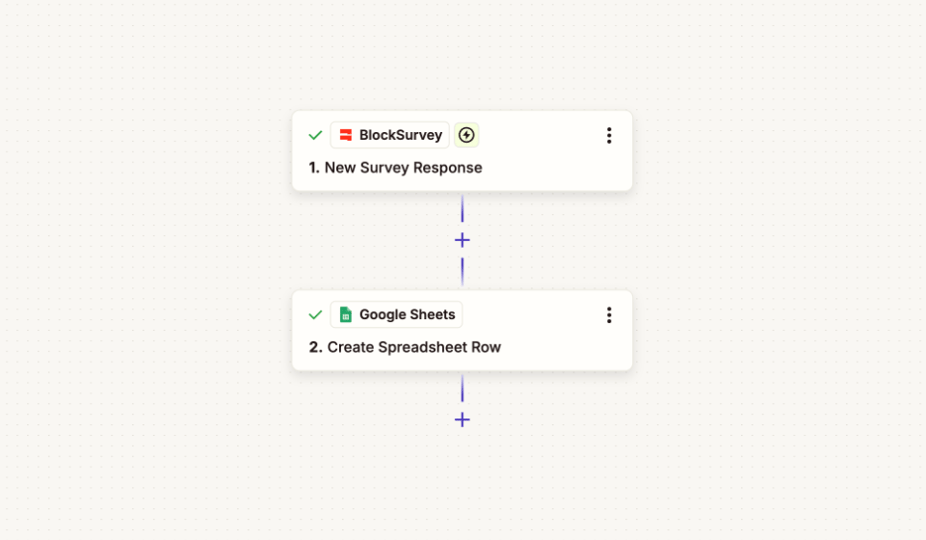
- Create a new Zap and choose BlockSurvey as the trigger app.
- Select the New Survey Response trigger and connect your BlockSurvey account.
- Pick your action app, then authorize it and turn the Zap on.
- Your responses flow to your connected apps in real time.
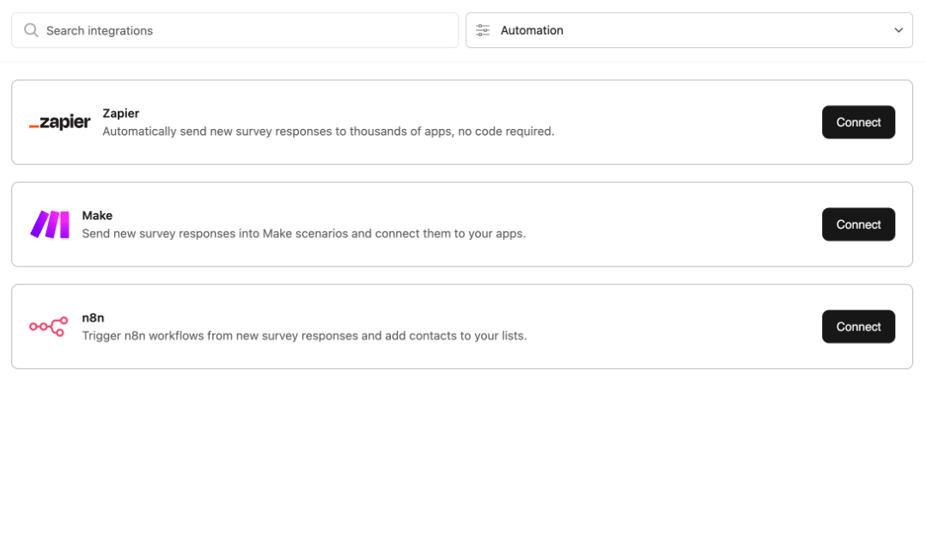
From BlockSurvey to Zapier, Instantly
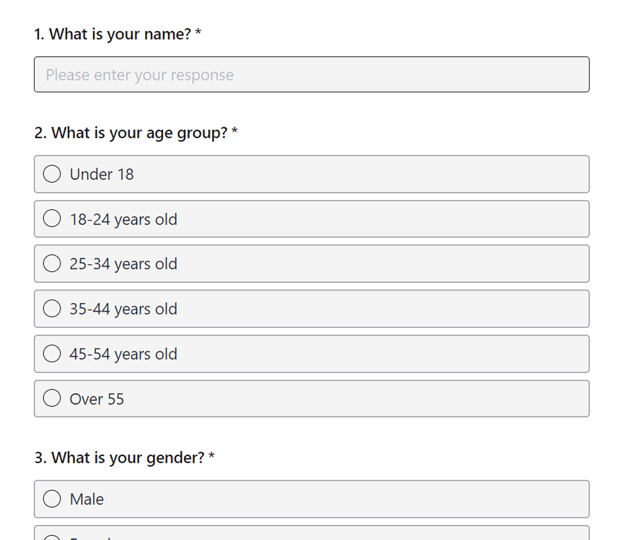

Why Choose BlockSurvey?

01
AI-Driven Surveys
Create, manage, and analyze surveys using AI to gain actionable insights. Save 100+ hours every month on your survey projects.

02
End-to-End Encryption
Your survey data is end-to-end encrypted and accessible only by you. Privacy-first—no ads, no trackers.

03
100+ Integrations
Integrate your surveys with 100+ apps to automate workflows, saving you time and costs.
Other BlockSurvey Integrations
Explore AllSecurely connect BlockSurvey to Zapier
Connect BlockSurvey to Zapier and enjoy seamless automation with full data protection, the only integration that never exposes your raw survey responses.
- 14-day free trial
- AI-powered insights
- End-to-end encrypted
Frequently Asked Questions
- In Zapier, create a new Zap and choose BlockSurvey as the trigger app. Select the New Survey Response trigger, connect your BlockSurvey account, and pick your Workspace and Survey. Then choose an action app for what happens next and turn the Zap on.