


.svg)


Integrate Slack with BlockSurvey
Get instant Slack notifications for every new BlockSurvey response—stay connected and act fast without leaving your workspace.
Trusted by leading brands for secure, privacy-first surveys





How to integrate Slack with BlockSurvey
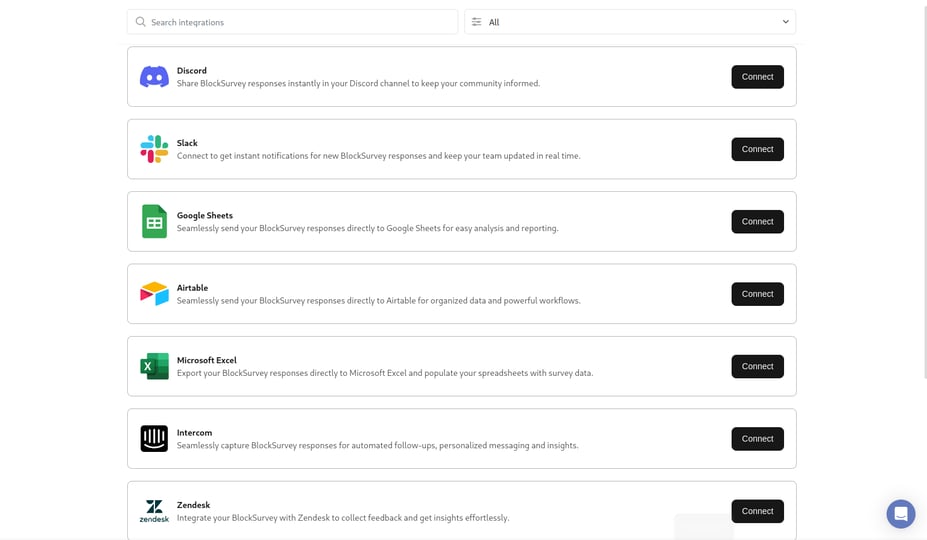
- Design your survey & navigate to Integrate screen.
- Under Integrations, click on the connect button for Slack.
- Provide authorization & setup Slack integration instantly.
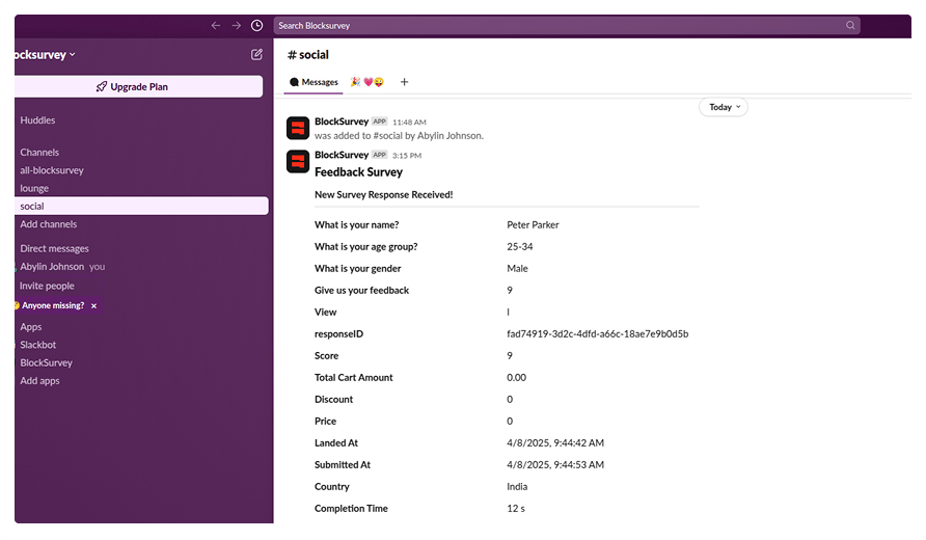
- Your responses are automatically received in Slack in real-time.
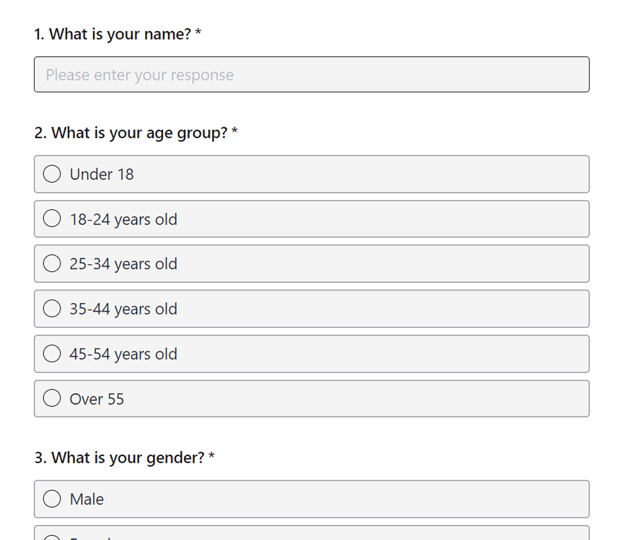
From BlockSurvey to Slack, Instantly

Why Choose BlockSurvey?

01
AI-Driven Surveys
Create, manage, and analyze surveys using AI to gain actionable insights. Save 100+ hours every month on your survey projects.

02
End-to-End Encryption
Your survey data is end-to-end encrypted and accessible only by you. Privacy-first—no ads, no trackers.

03
100+ Integrations
Integrate your surveys with 100+ apps to automate workflows, saving you time and costs.
Other BlockSurvey Integrations
Explore AllSecurely connect BlockSurvey to Slack
Connect BlockSurvey to Slack and enjoy seamless automation with full data protection, the only integration that never exposes your raw survey responses.
- 14-day free trial
- AI-powered insights
- End-to-end encrypted
Frequently Asked Questions
- To integrate Slack, go to the Integrate screen of your published survey, click Connect under Slack, authorize your workspace, select a channel, and complete the setup.