


.svg)


Integrate Microsoft Power BI with BlockSurvey
Connect BlockSurvey with Power BI to turn survey responses into interactive dashboards and reports—analyze trends, compare segments, and share insights securely.
Trusted by leading brands for secure, privacy-first surveys





How to integrate Microsoft Power BI with BlockSurvey
- Design your survey & navigate to Integrate screen.
- Under Integrations, click on the connect button for Microsoft Power BI.
- Provide authorization & setup Microsoft Power BI integration instantly.
- Build dashboards in Power BI using your BlockSurvey response data.
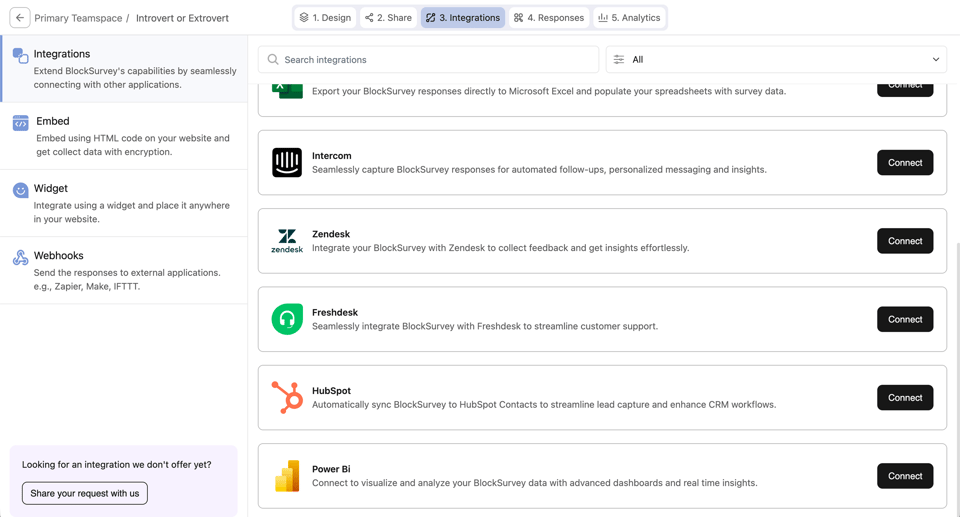
From BlockSurvey to Microsoft Power BI, Instantly
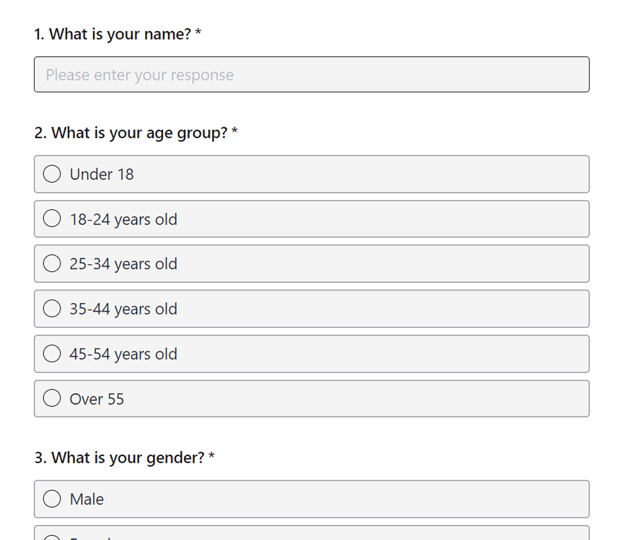

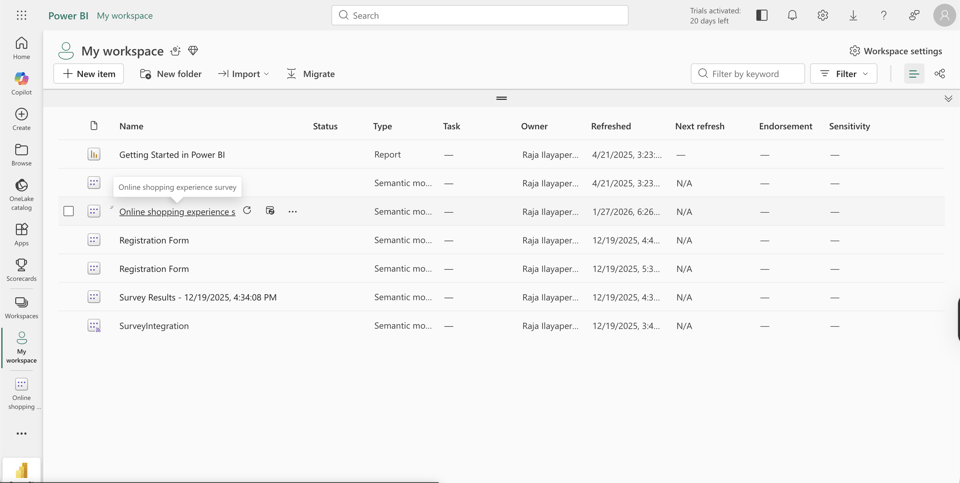
Why Choose BlockSurvey?

01
AI-Driven Surveys
Create, manage, and analyze surveys using AI to gain actionable insights. Save 100+ hours every month on your survey projects.

02
End-to-End Encryption
Your survey data is end-to-end encrypted and accessible only by you. Privacy-first—no ads, no trackers.

03
100+ Integrations
Integrate your surveys with 100+ apps to automate workflows, saving you time and costs.
Other BlockSurvey Integrations
Explore AllSecurely connect BlockSurvey to Microsoft Power BI
Connect BlockSurvey to Microsoft Power BI and enjoy seamless automation with full data protection, the only integration that never exposes your raw survey responses.
- 14-day free trial
- AI-powered insights
- End-to-end encrypted
Frequently Asked Questions
- Go to the Integrate screen of your survey, select Power BI, and connect it to Power BI using the provided endpoint.